Site settings
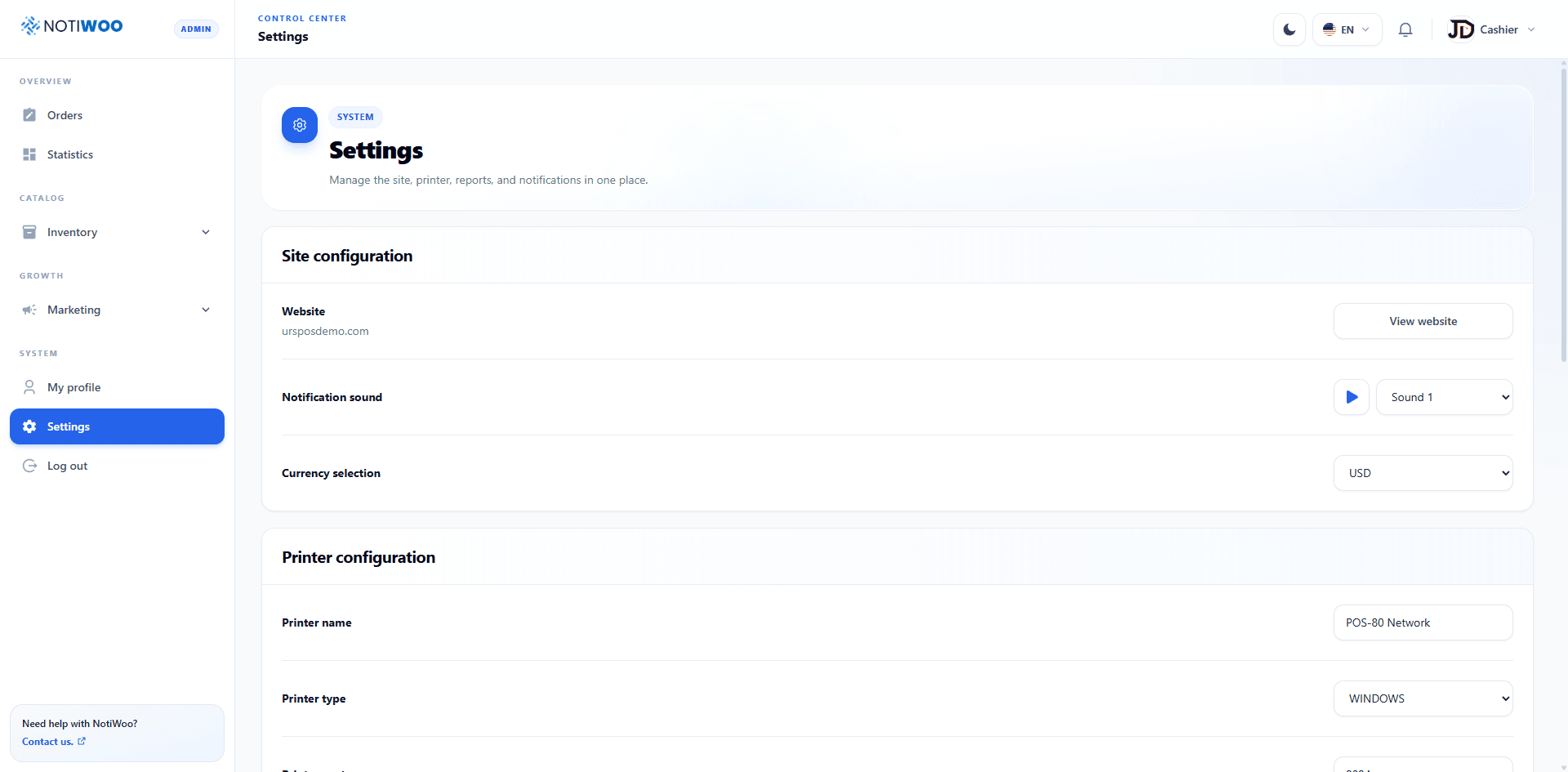
Open System → Settings. The first card contains general settings, followed by printer and receipt settings.
Website
Shows the WooCommerce domain associated with the station. View website opens it in another tab. Contact the account administrator if the domain is incorrect.
Notification sound
Choose Sound 1, 2, or 3 and use the play button to preview it. Browser and operating-system audio permissions must also allow playback.
Currency
The selector supports USD and COP. It formats orders, statistics, tables, and receipts; it does not convert values. Match WooCommerce.
Language and theme
These controls moved to the header and are also available before sign-in.
Save
Select Save changes at the bottom of the page and wait for confirmation.
The current interface has no editable license-key field. If an older guide mentions one, switch the version selector to Current.