Products
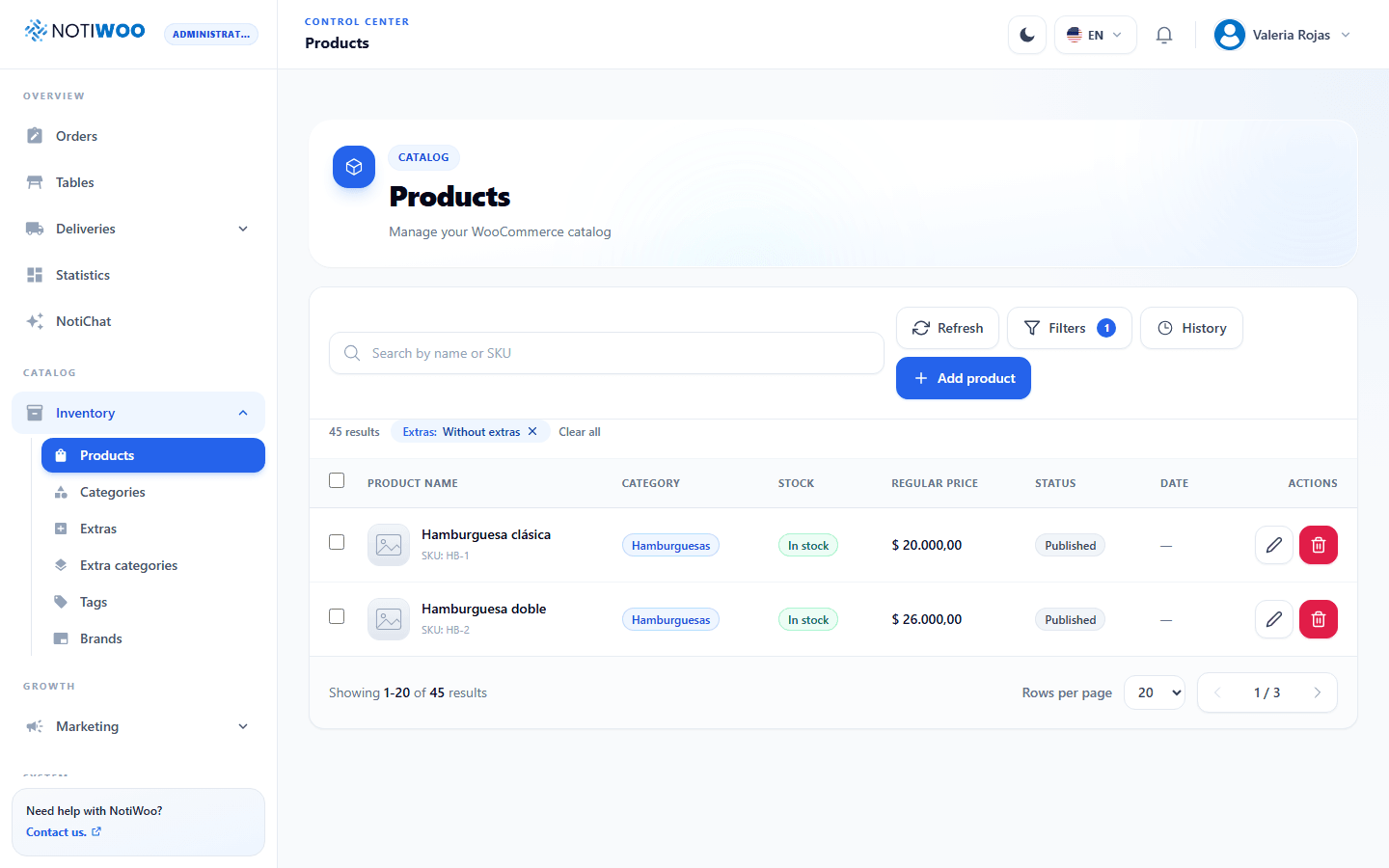
Open Catalog → Inventory → Products. The table shows image, name, SKU, category, stock, price and status. Available controls depend on permissions.
Search and filter
Search by name or SKU and open Filters to combine available options. You can find products without images or Without extras. Filters are stored in the page URL so you can reopen the same view.
Review active filter chips. Remove one or clear the group to broaden results. Refresh queries the catalog again.
Create or edit
- Select Add product or edit a row.
- Enter name, price, categories, stock and status.
- Review images, extras and variations where applicable.
- Save and wait for confirmation before closing.
Use a draft when the product should not be visible yet. Closing without saving discards local changes. Missing images display a placeholder.
Extras and selection
Check both product assignments and global extra categories. The Without extras filter helps identify products still needing options.
Checkboxes let you select the page and, where offered, all filtered results. With permission, continue to Bulk changes; always check the total before applying.
Delete
Read the confirmation and check the product. Individual deletion differs from undoing a bulk job; do not assume reversal is available. If your intention is to remove it from the storefront, consider changing its publication status.