Categories
Open Catalog → Inventory → Categories. The tree view exposes hierarchy while keeping actions on each node.
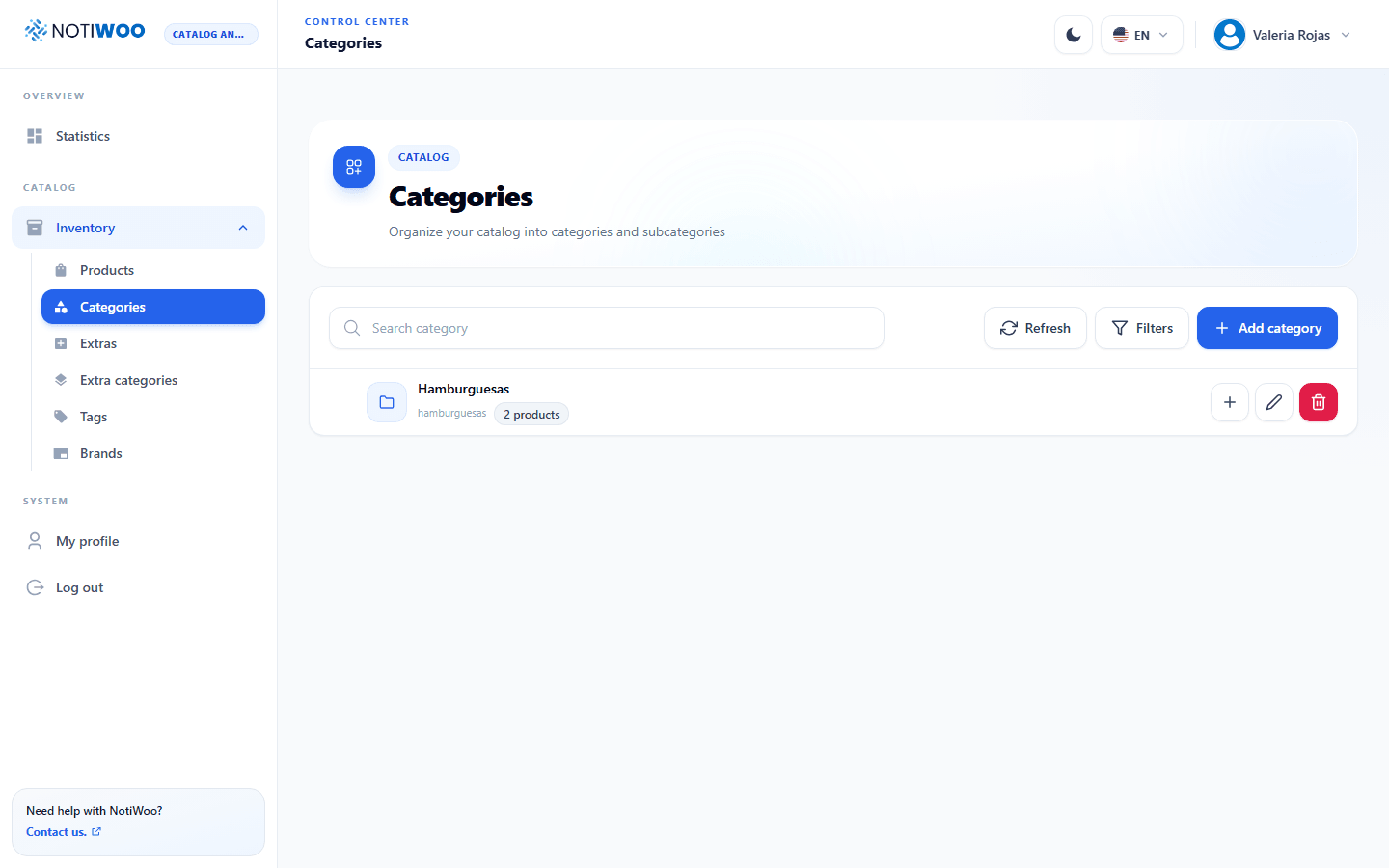
Create or edit
The shared form contains required name, optional slug, parent category, and description. When editing, NOTIWOO excludes the category and its descendants from the parent selector to prevent cycles.
Delete
Deletion requires confirmation. It does not delete products but can change their organization in WooCommerce.
tip
Use a short hierarchy and clear names. It works better in the store, forms, and product filters.