Profile and two-step verification
Open System → My profile to manage account details and an additional security layer.
Name and email
You can update the display name and email. For a new email, NOTIWOO sends a confirmation to the new address and keeps showing the previous one until verification is complete.
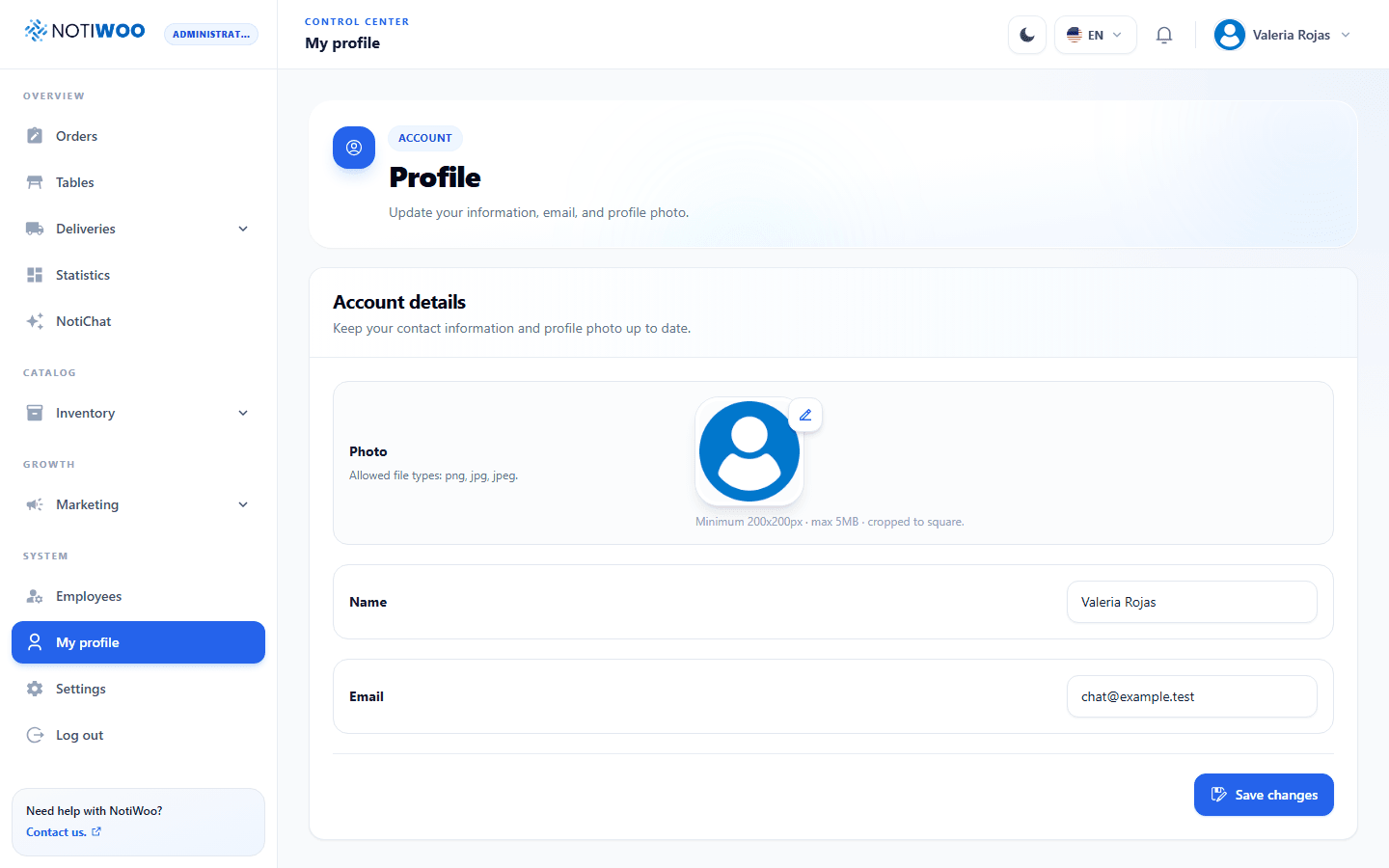
Profile photo
Select the photo to open the editor. Move the image and adjust zoom before applying a square crop.
Requirements: PNG, JPG, or JPEG; at least 200 × 200 px; no more than 5 MB; square final crop.
Required email code
Email verification is required for everyone after password validation. It cannot be disabled from the profile.
Optional authenticator app
You can add Google Authenticator, Authy, 1Password, or another compatible app.

Enable
- Select Enable.
- Scan the QR code or copy the manual key.
- Enter the six-digit app code.
- Select Confirm and enable.
Disable
Select Disable, enter a current app code, and confirm. NOTIWOO requires a valid code before removing the factor.
The flow is password → email code → authenticator code when the app factor is active. Session data is stored only after every step succeeds.
Change the password
The profile page does not change passwords. Sign out and use Forgot your password? on the sign-in screen.