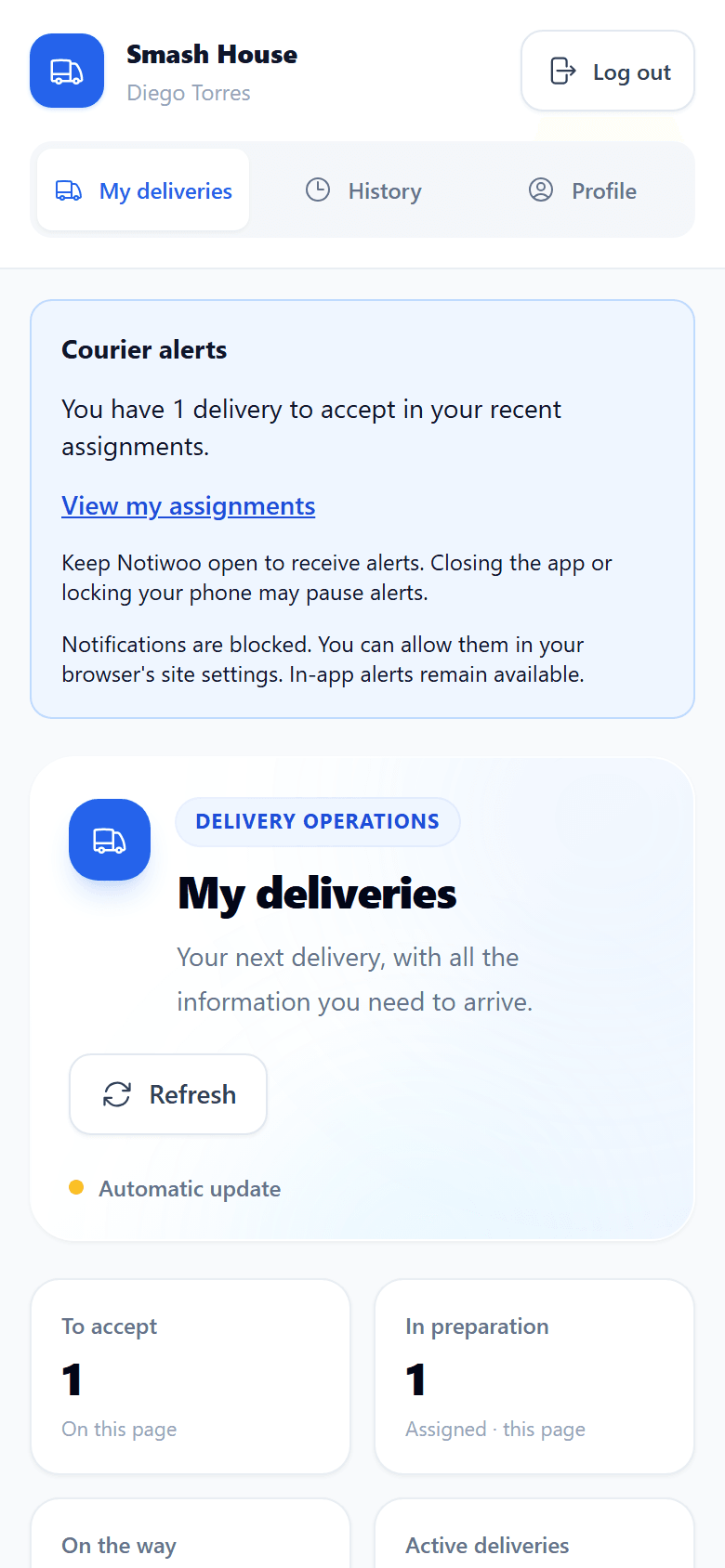
Courier app
A Courier account opens a mobile interface with My deliveries, History and Profile. It shows only deliveries assigned to that person.
Complete a delivery
- In My deliveries, review the order, address, notes and amount to collect.
- Select Accept delivery.
- When you have the order, select I picked up the order.
- Open Google Maps or Waze to navigate.
- After handing over the order, select Confirm delivery and review the collection shown.
If you cannot complete the delivery, use Report a problem and explain what happened. The store can review the issue in Dispatch. Do not confirm a delivery that did not happen.
Share your location
The store must enable GPS tracking. The app requests your consent and the browser's location permission before starting. An active session sends a position approximately every 20 seconds, for up to 4 hours.
You can stop the session in the app. Updates may stop when the browser runs in the background, the screen locks, permission is revoked or connectivity fails. Keep the app open during the route when continuous updates are needed.
At the end of your work, check that tracking has ended. Turning it off in the store settings stops active sessions. See privacy.
Notifications and history
New assignment notifications depend on browser permissions and capabilities. Check My deliveries when starting a shift even if no system notification arrives.
History keeps the outcome of your deliveries. If synchronization with WooCommerce is pending, inform the store; avoid recording the same delivery again.