Version: 1.0.5

Extras and extra categories

Extras are the add-ons a customer can add to a product: additional ingredients, sauces, sizes, customization options… NOTIWOO exposes them through two screens under Catalog → Inventory:

  • Extras — the catalog of individual add-ons.
  • Extra categories — logical groupings (e.g. Sauces, Sizes, Toppings).

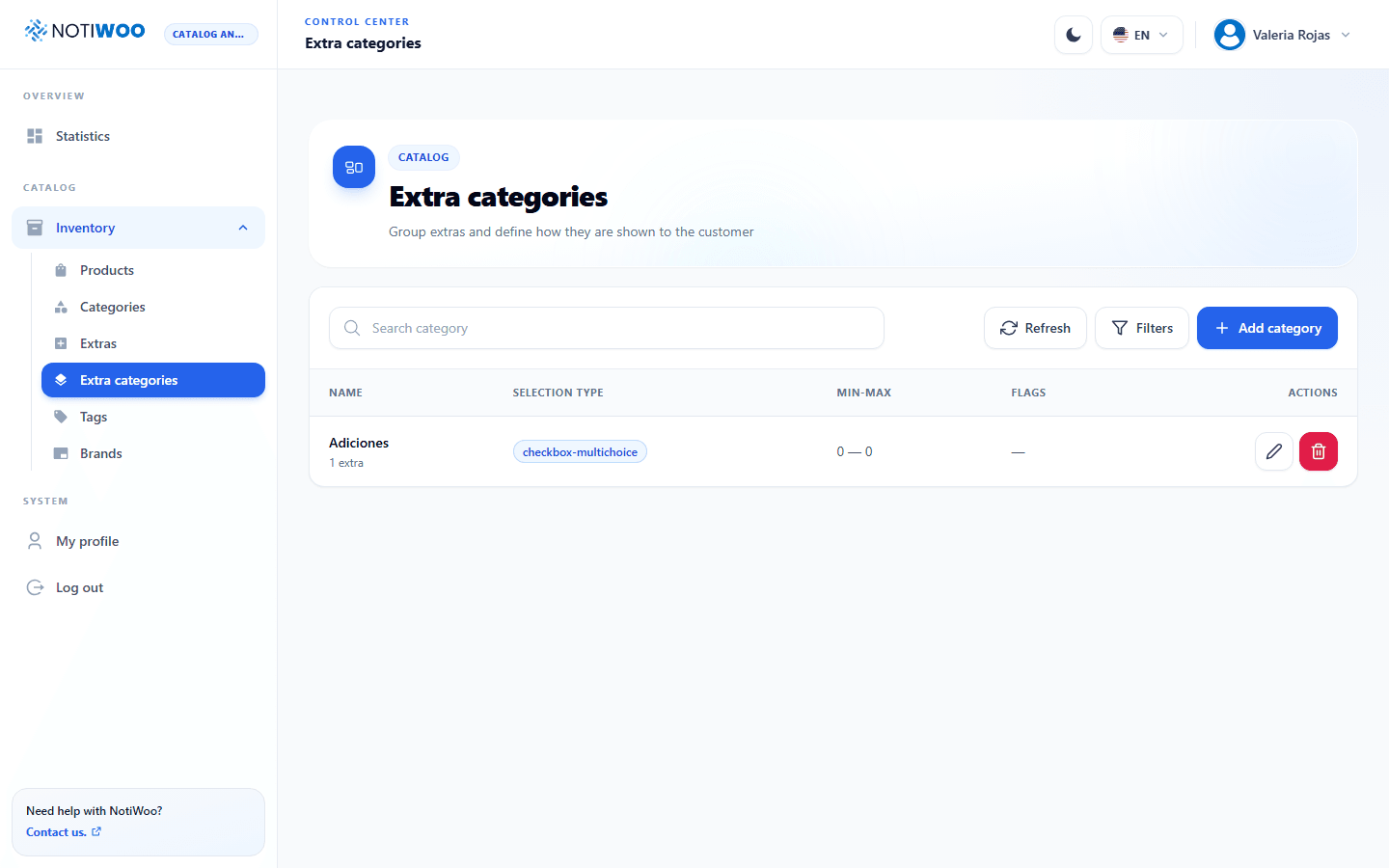
Extra categories

They work just like product categories:

  • Name and description
  • Can be organized hierarchically
  • Each category groups the extras that share a purpose

Categories help your staff find the right extra quickly and let you present grouped options to the customer in the store.

Extras

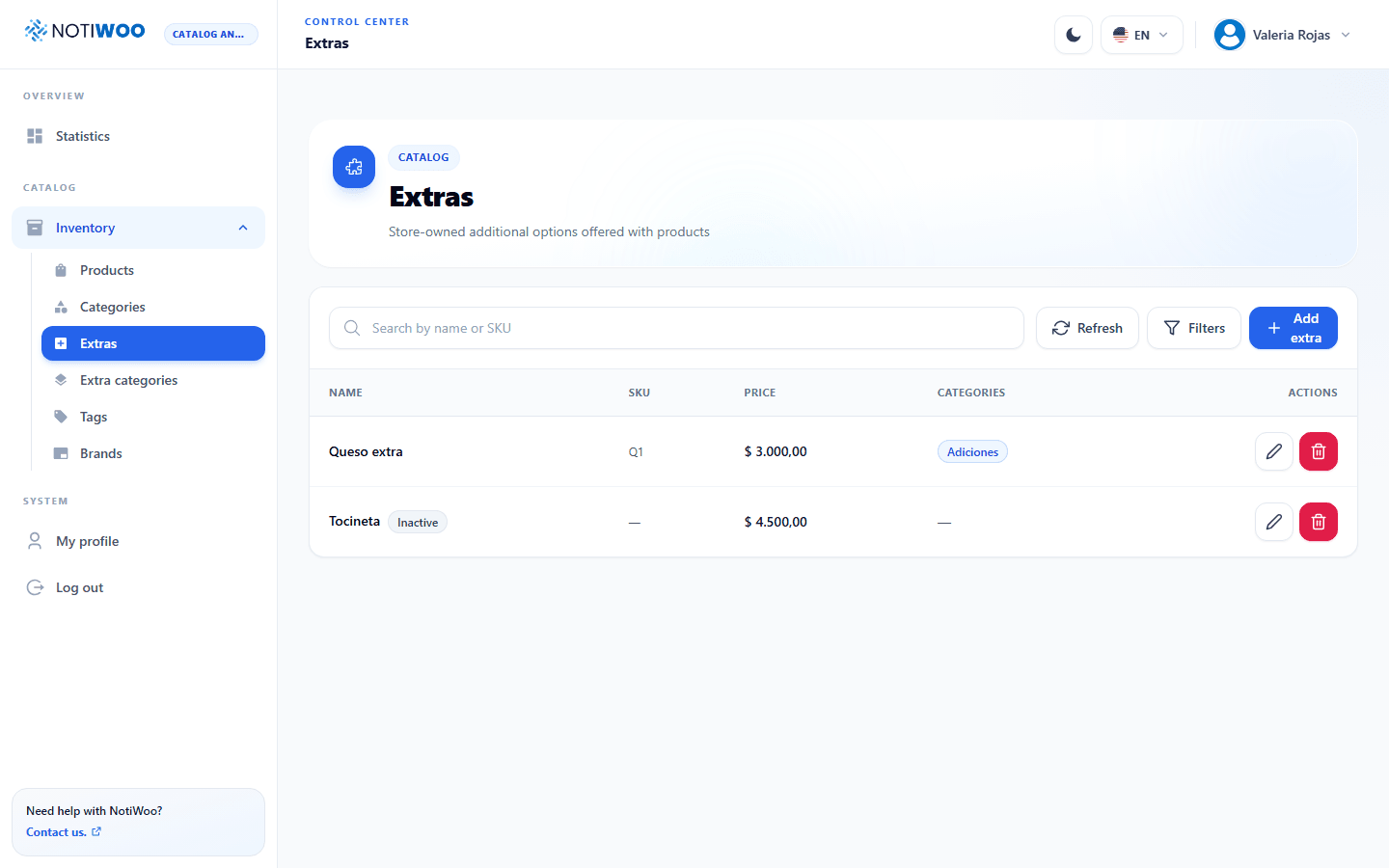
On the Extras screen you'll see the list with:

  • Name
  • Price (can be 0)
  • Category it belongs to
  • Edit and delete actions

Create or edit an extra

The form asks for:

  • Name (required)
  • Price — additional cost added to the order
  • Category of the extra

Once saved, the extra is available to associate with products and will appear in the order details when the customer selects it.

How they appear on the order

When a customer adds extras or asks for "no tomato", they appear in the order details (and on the printed receipt) as:

  • Ingredients — the extras added.
  • No ingredients — the ones the customer asked to remove.
tip

Before creating a new extra, check if it already exists under another name. Having "Extra cheese" and "Cheese extra" duplicated leads to confusing statistics.