SECTION
September 2026 edition
Documented for the experience you use today
Content and screenshots checked against the app and plugin 1.29.0.
ORDERS
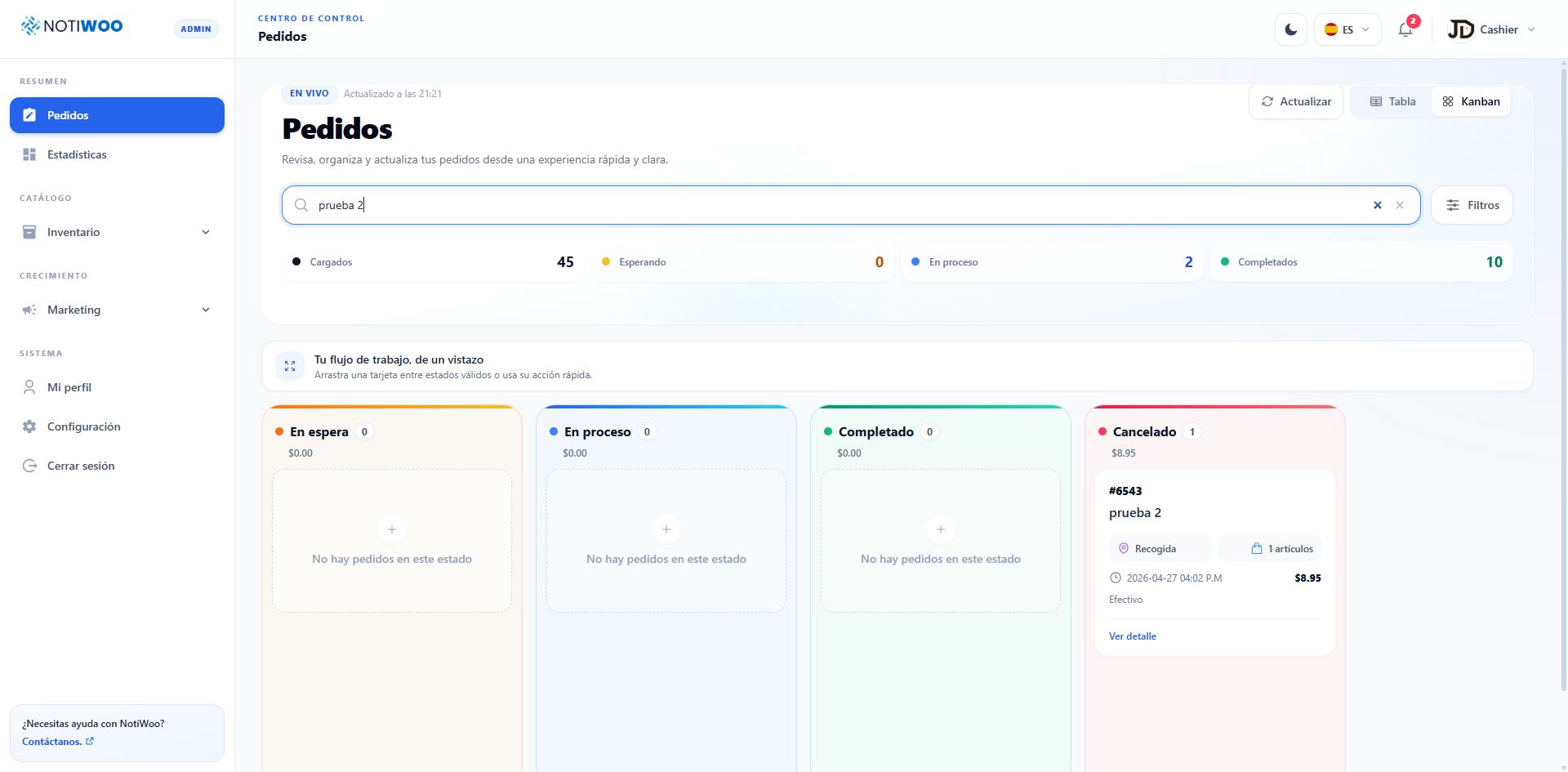
A complete flow up to closing the sale
Each status offers the next step: accept, prepare, ship, deliver, and finalize.
Read guide →DELIVERIESDispatch, couriers, and tracking
Assign deliveries, follow couriers on the map, and share the tracking link.
Read guide →TABLESTable service with QR codes
Organize tables by zone, print their QR codes, and close the bill from the order.
Read guide →LOYALTYPoints, tiers, and campaigns
Reward customers, create campaigns, and redeem rewards at the counter.
Read guide →NOTICHATAsk your store
Get charts and reports, and confirm the changes the assistant proposes.
Read guide →DEVELOPERSPlugin and REST API documented
Set up the plugin in WordPress and try the notiwoo/v1 API in a local environment.
Read guide →Explore
Find what you need by area
The guides follow the same organization as the NOTIWOO menu.
SECTION
Catalog
SECTION
Growth
SECTION
Account and system
SECTION
WordPress plugin
SECTION
REST API
First time using NOTIWOO?
Follow the sign-in, security, and first-order journey.