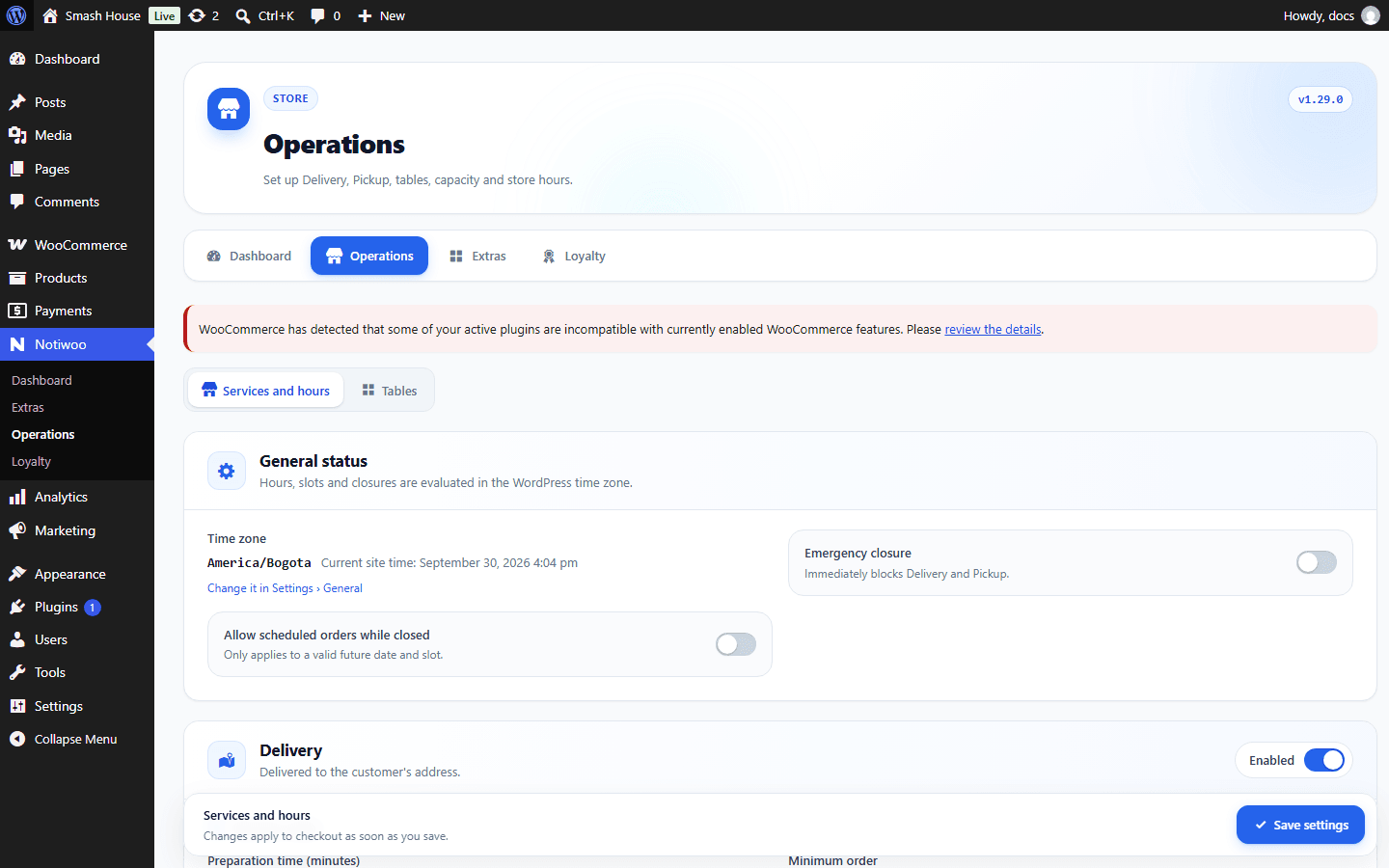
Services and hours in WordPress
Open Notiwoo → Operations → Services and hours. Settings are shared with app configuration; we recommend the app for changes during a shift.
Initial setup
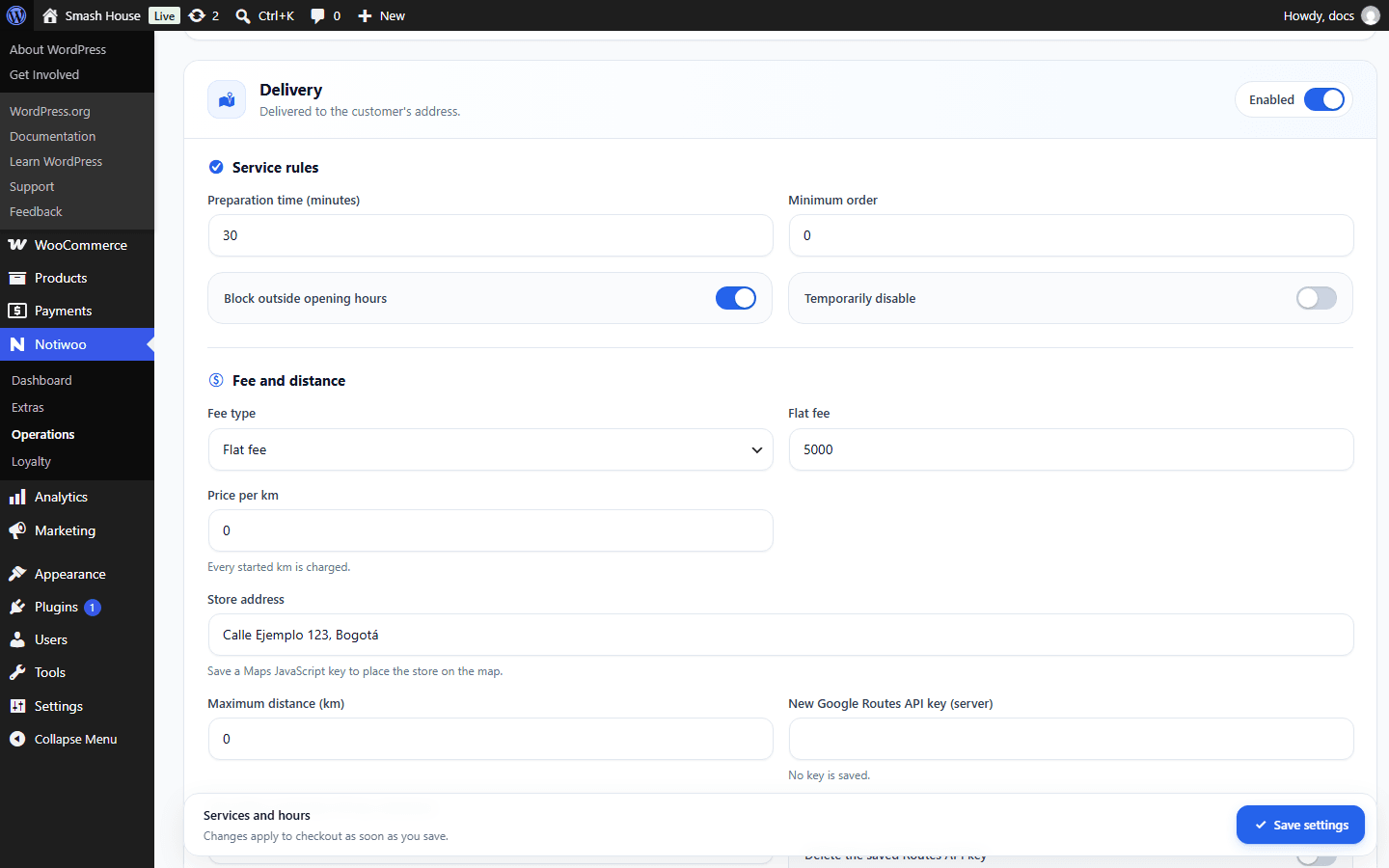
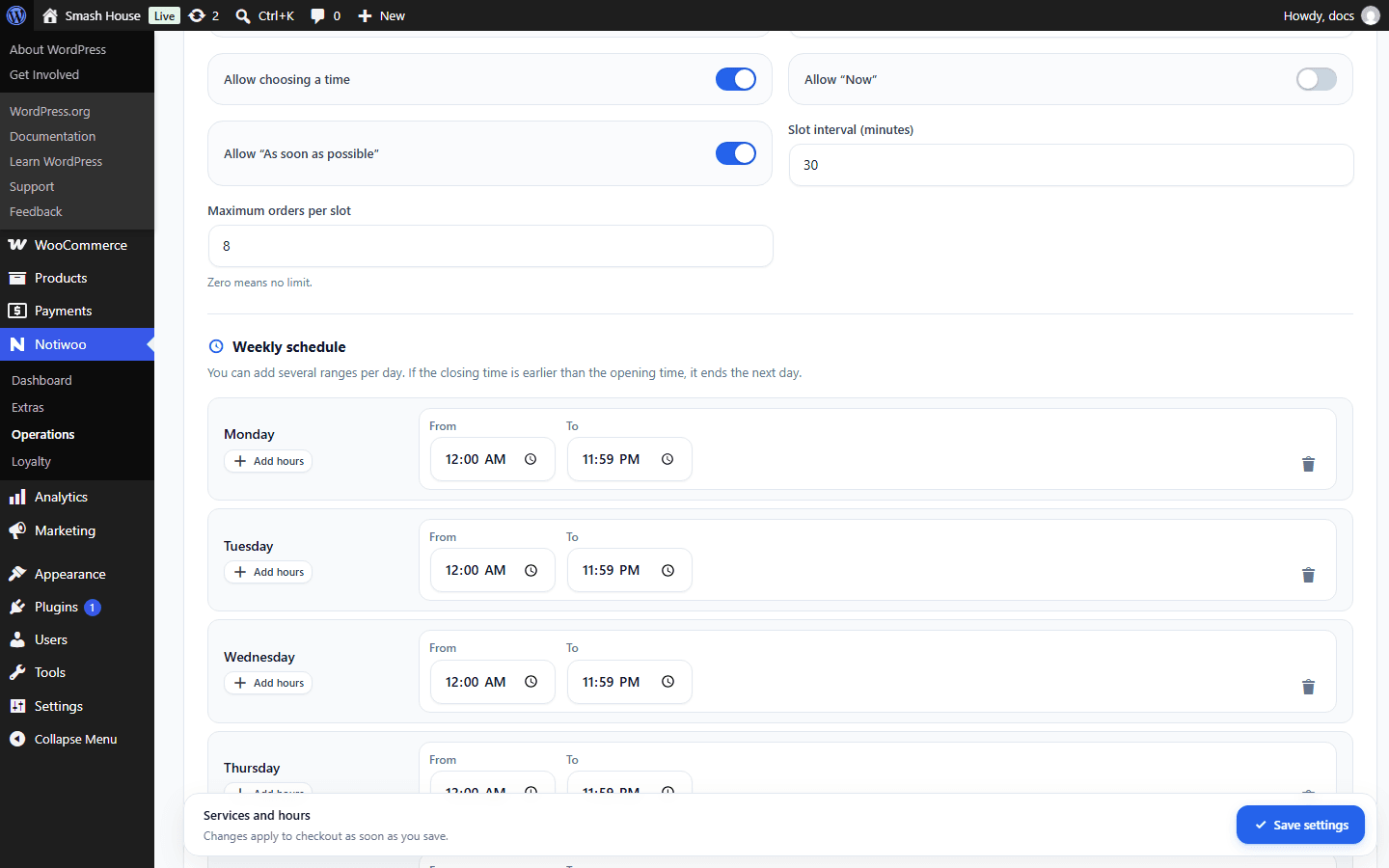
Check the time zone in Settings → General. Enable Delivery or Pickup and set preparation time, minimum order and outside-hours availability. Add opening ranges for each day and service.
Emergency closure and accepting scheduled orders while closed are separate controls. Also review temporary disabling for each service.
Fee and distance
Choose a fixed fee, per-kilometer pricing or distance ranges. Enter the store address and confirm its point when a map is available. Review maximum distance and test an address inside coverage and another outside it.
Distance calculation uses Google Routes API on the server. The map and visual selection use a browser Maps JavaScript key. Use separate keys restricted to their purposes; ask the integration administrator to configure them.
Without keys, there is no map or autocomplete; do not assume distance coverage has been validated.
Slots and shipping zones
Configure advance dates, slot size and maximum capacity. Check that opening ranges do not overlap.
In WooCommerce shipping zones, verify that the customer's zone has the required methods, including Local pickup when pickup is offered. An enabled Notiwoo service does not replace WooCommerce shipping methods.
Save and test checkout in the store. If it appears closed, see troubleshooting.