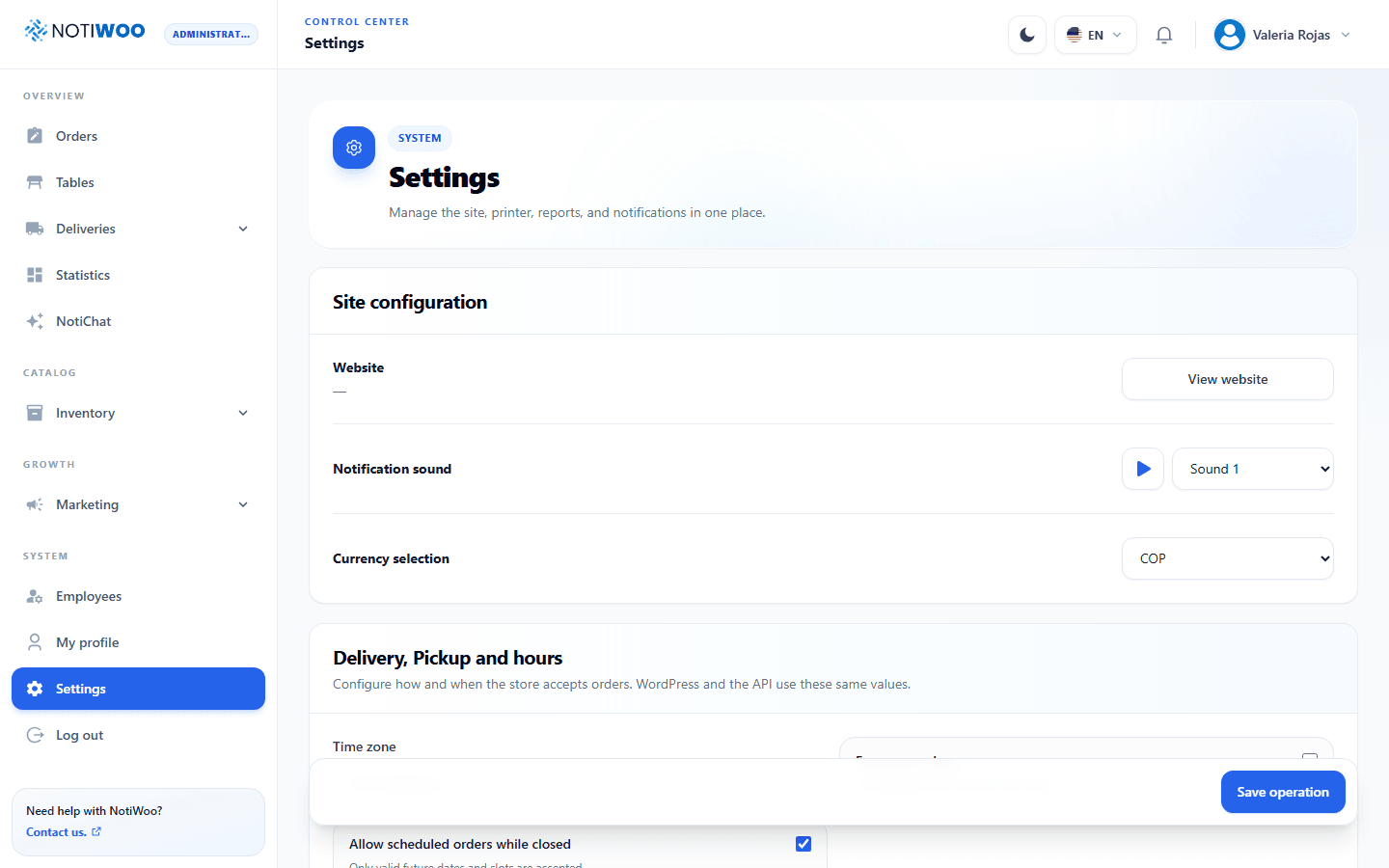
Delivery, pickup and hours
In Configuration, open Delivery, pickup and hours. The app and plugin share these settings; we recommend the app for daily operations.
Enable services and opening hours
- Check the store's time zone, taken from WordPress → Settings → General.
- Enable Delivery, Pickup or both.
- Set preparation time and minimum order for each service.
- Add opening ranges for each day; lunch and dinner can use separate ranges.
- Decide whether orders are blocked outside opening hours and save.
When outside-hours blocking is enabled, a service without opening ranges remains closed. Enabling a service does not create a schedule automatically.
Fees and coverage
Delivery fees can be fixed or distance-based, per kilometer or by distance ranges. Review each range's boundaries and avoid overlaps. Maximum coverage and route calculations require the correct store address and Google configuration.
Keys are managed in WordPress: Routes API calculates distance on the server and Maps JavaScript displays the browser map. Do not paste a server key into a browser-key field.
Date, time and capacity
Set how many days ahead customers can order, the slot interval and maximum orders per slot. Options to order now or as soon as possible depend on service settings and availability.
Check the customer experience: date, time, minimum order, fee and available service modes.
Temporary and emergency closure
Temporary disabling affects one service. Emergency closure affects general availability. Separately review whether scheduled orders are allowed while closed. When reopening, check both services and save.