Catalog menu
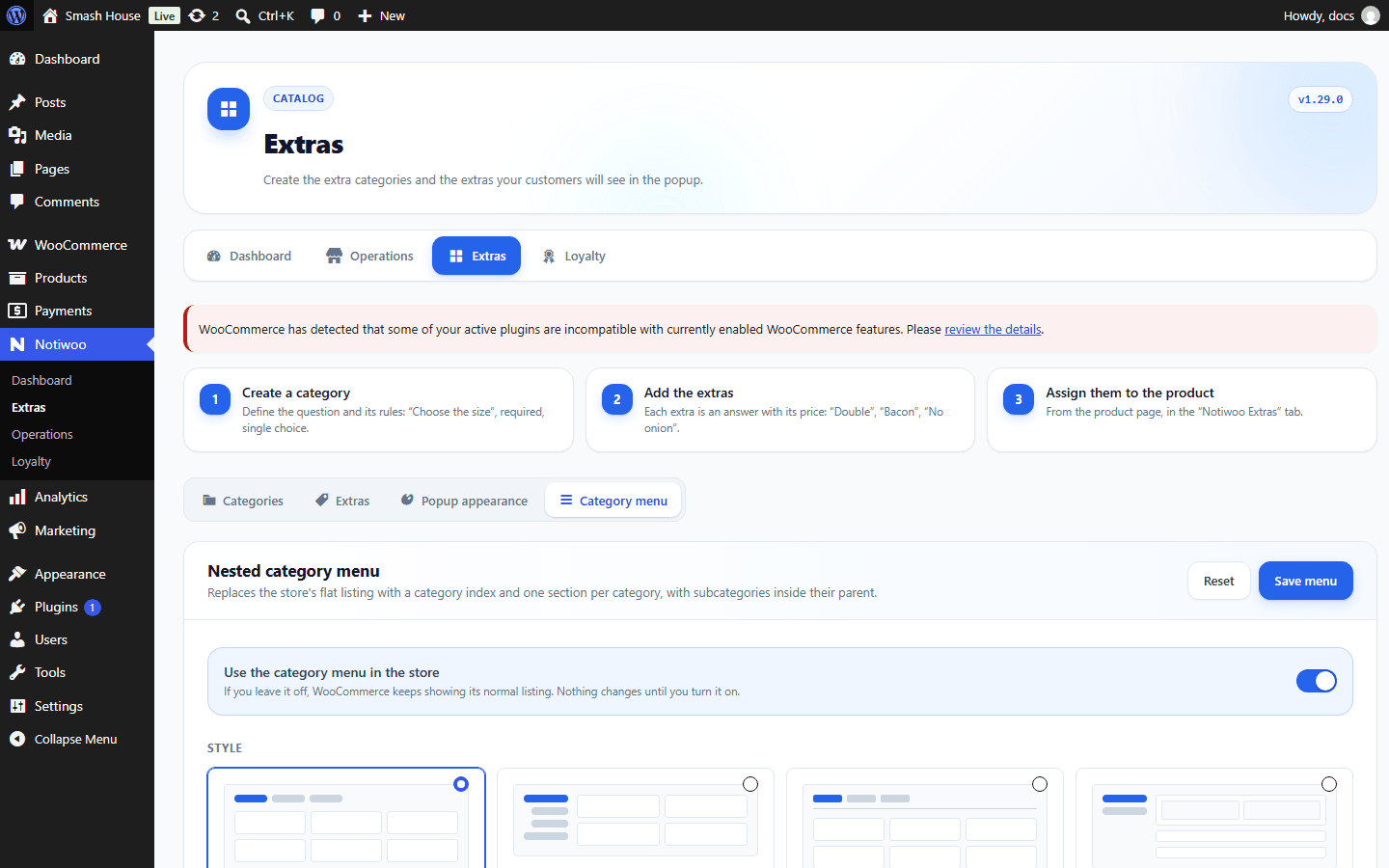
In Notiwoo → Extras → Category menu, enable the menu to organize the storefront. It is initially disabled.
Layout and content
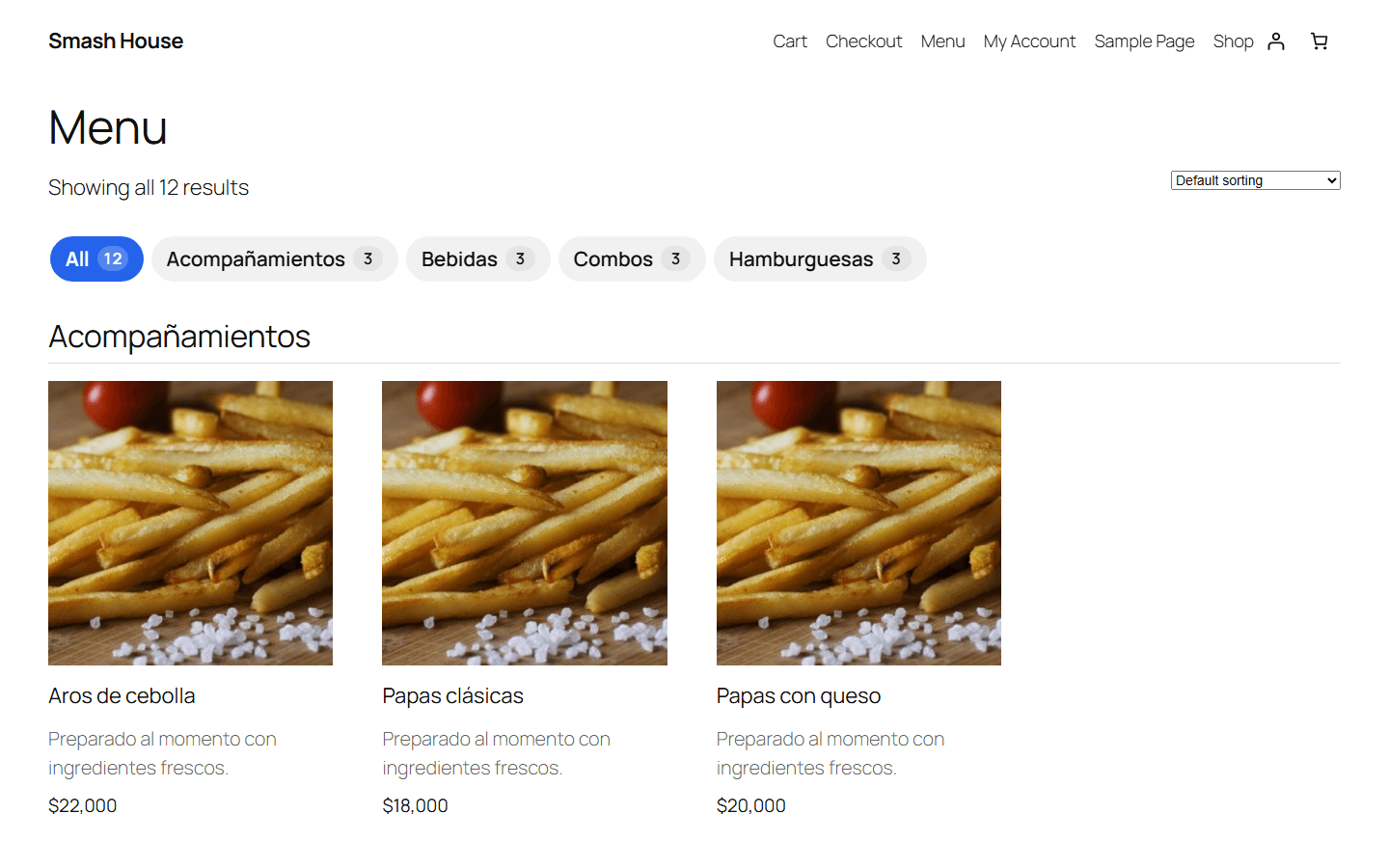
Choose Horizontal chips, Sidebar, Tabs or Accordion. Adjust sticky navigation, the All option, counts, thumbnails, columns and category depth.
Menu mode changes product presentation. Enable short descriptions to show ingredients or features beside the product name.
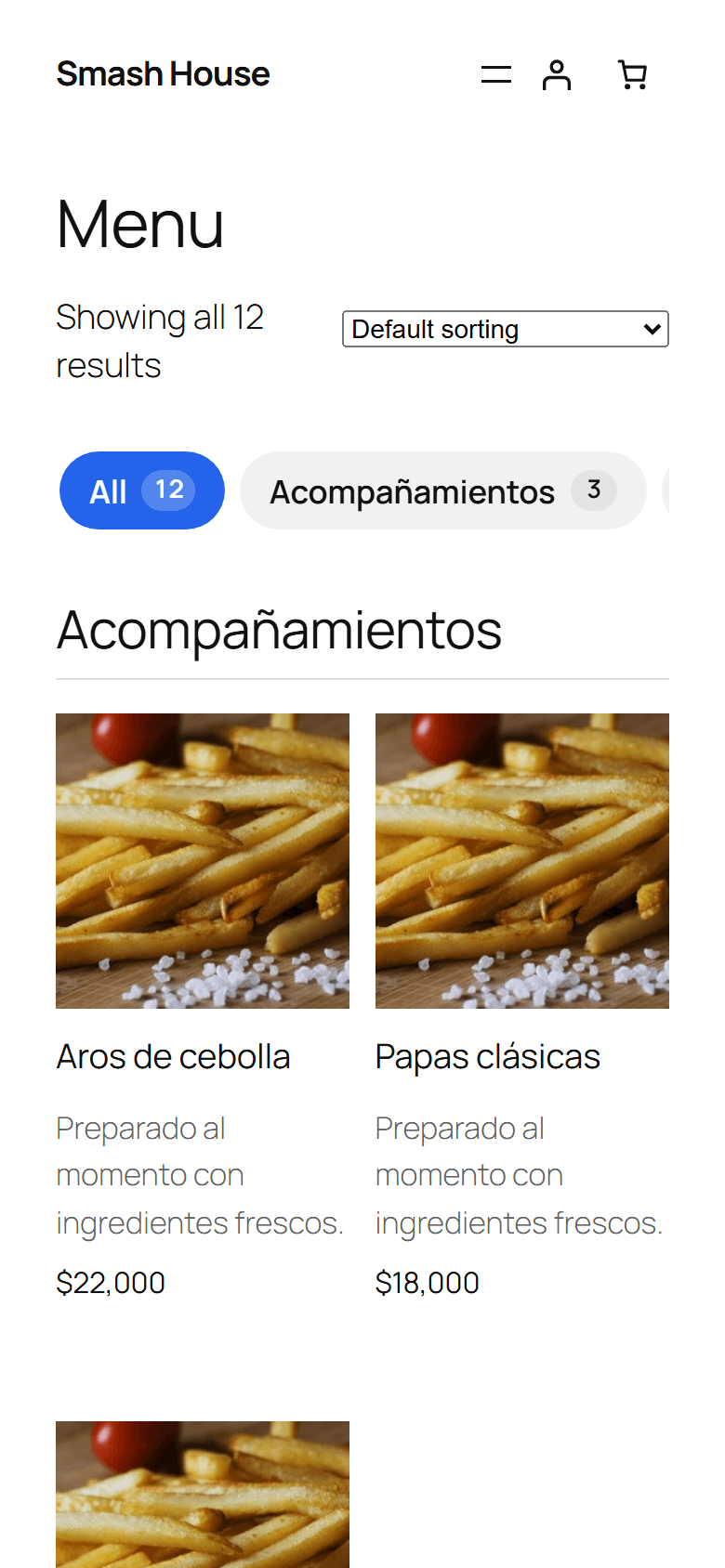
Since 1.28.0, categories can be ordered in the menu. Review subcategories and empty categories too. Save and check desktop and mobile.
Highlight badges
Since 1.27.0, the product editor offers a Highlight label to show a badge, such as a specialty. Keep it short and check its placement beside the price.
Embed the catalog
Use this shortcode on a specific page:
[notiwoo_catalog style="chips" category="hamburguesas"]
Replace the category with one from your store. Available styles are chips, sidebar, tabs and accordion. Check that published products appear and their options open correctly.
Catalog styles and scripts load on the WooCommerce Shop page and product categories. A shortcode on an ordinary page may appear without styling. Use the page assigned as Shop and verify the result before publishing it elsewhere.