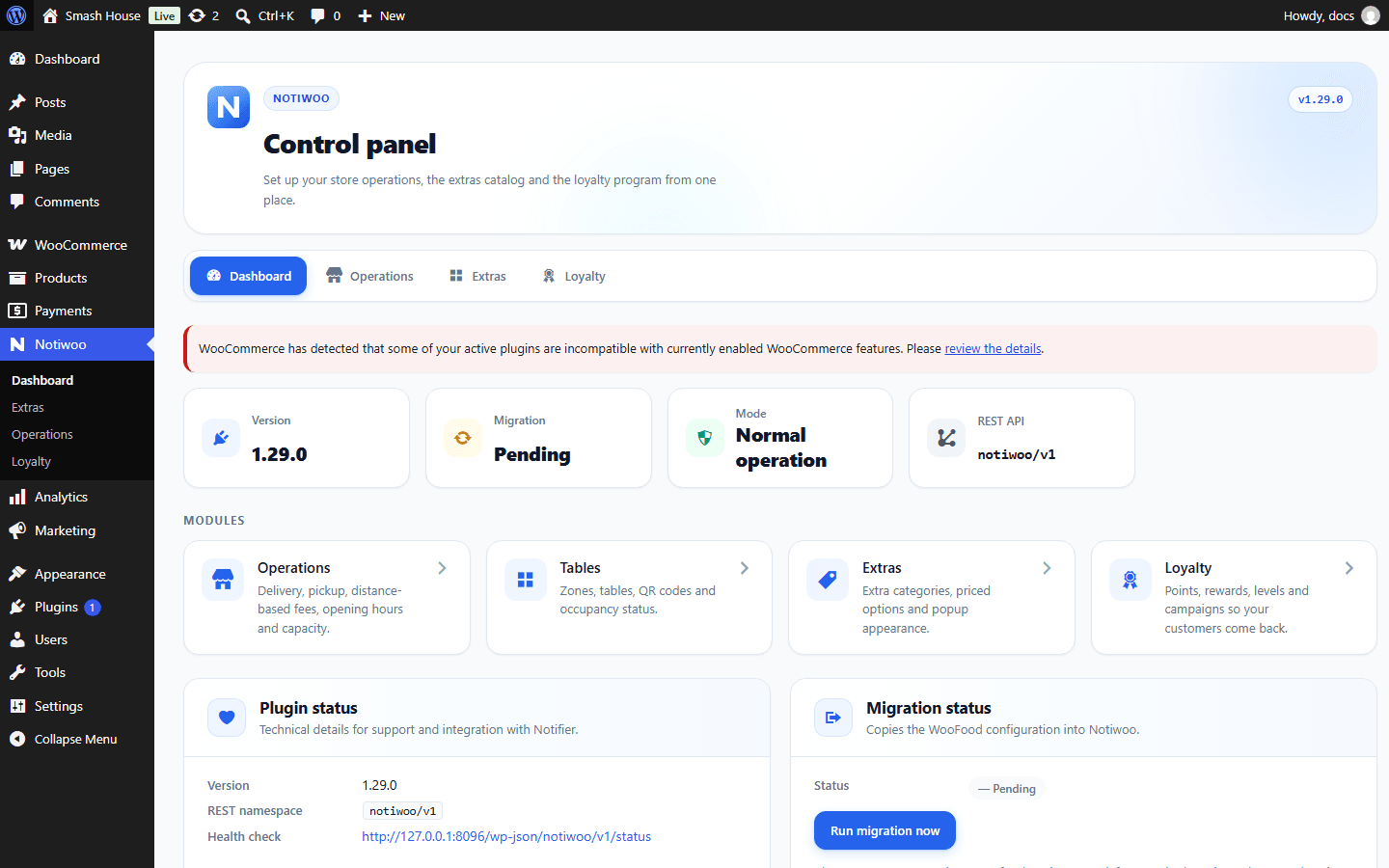
Plugin dashboard
Open Notiwoo → Dashboard in WordPress using an account permitted to manage WooCommerce.
The dashboard shows the installed version, operating mode, integration availability and migration status. Use it to check that the plugin is active after installation or an update.
Its shortcuts open Operations, Extras and Loyalty. Use the app for daily order, delivery, table and team management.
If coexistence is shown, review migration. If the app reports unrecognized statuses, compare the installed version with compatibility and check that the plugin is active.