Site configuration
Open System → Configuration with an authorized account. Sections appear in this order:
- Site, sound and currency.
- Delivery, pickup and hours.
- Courier GPS tracking.
- WhatsApp.
- NotiChat, for administrators.
- Printer and receipt.
Each module offers its own save controls. Wait for confirmation from the block you edited before leaving.
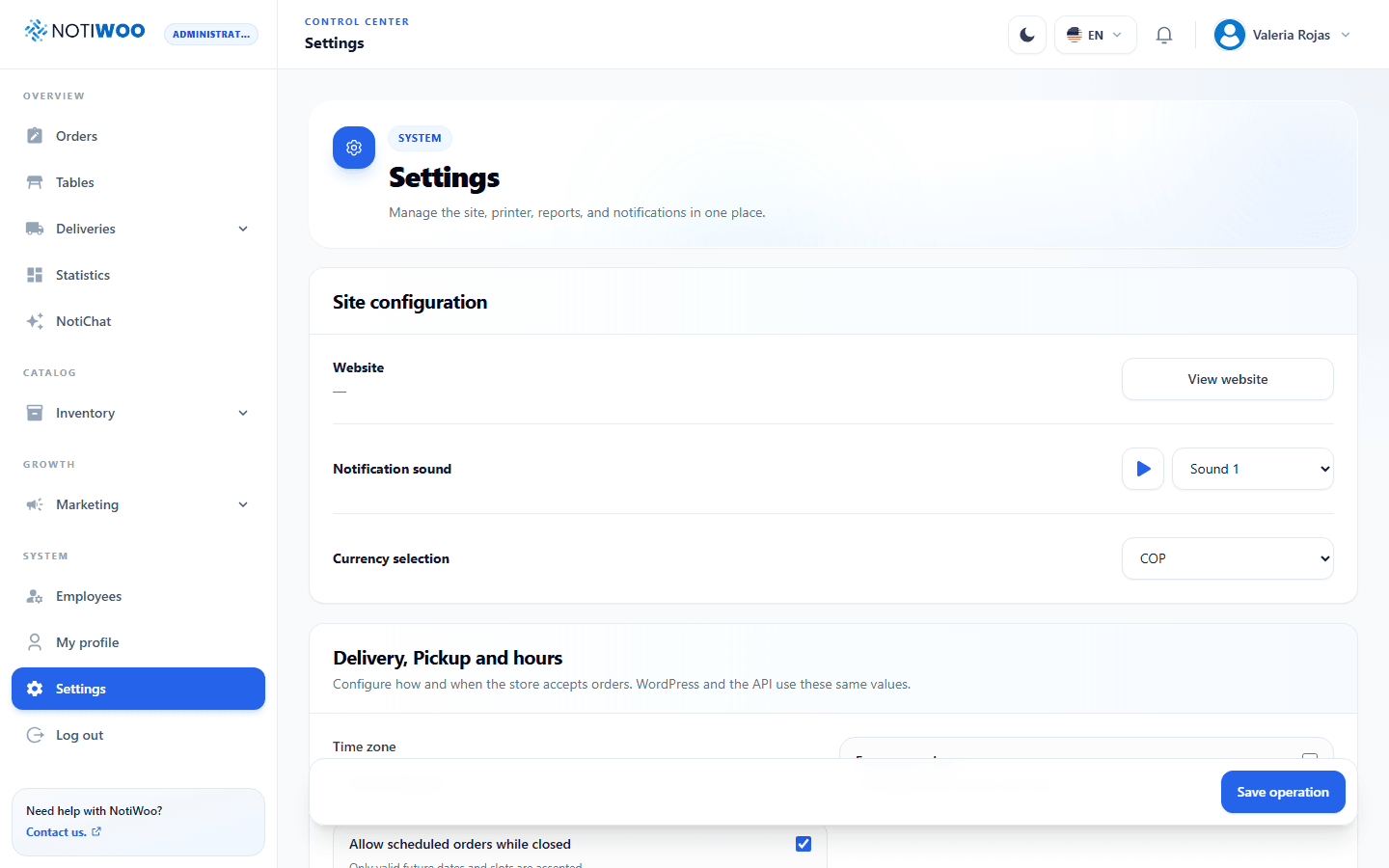
Site, sound and currency
The website identifies the WooCommerce store associated with the station; View website opens it. If it is not your store, contact the account administrator.
Choose one of three sounds and test it with the playback button. Keep the tab open and check volume and browser permissions.
Currency supports USD and COP. Changing it alters formatting and symbols, not currency conversion. It should match the store.
Language, theme and access
Change ES / EN and light/dark mode in the header. Profile settings and two-step verification are in My profile.
The interface does not show an editable license key. Visible sections depend on permissions.