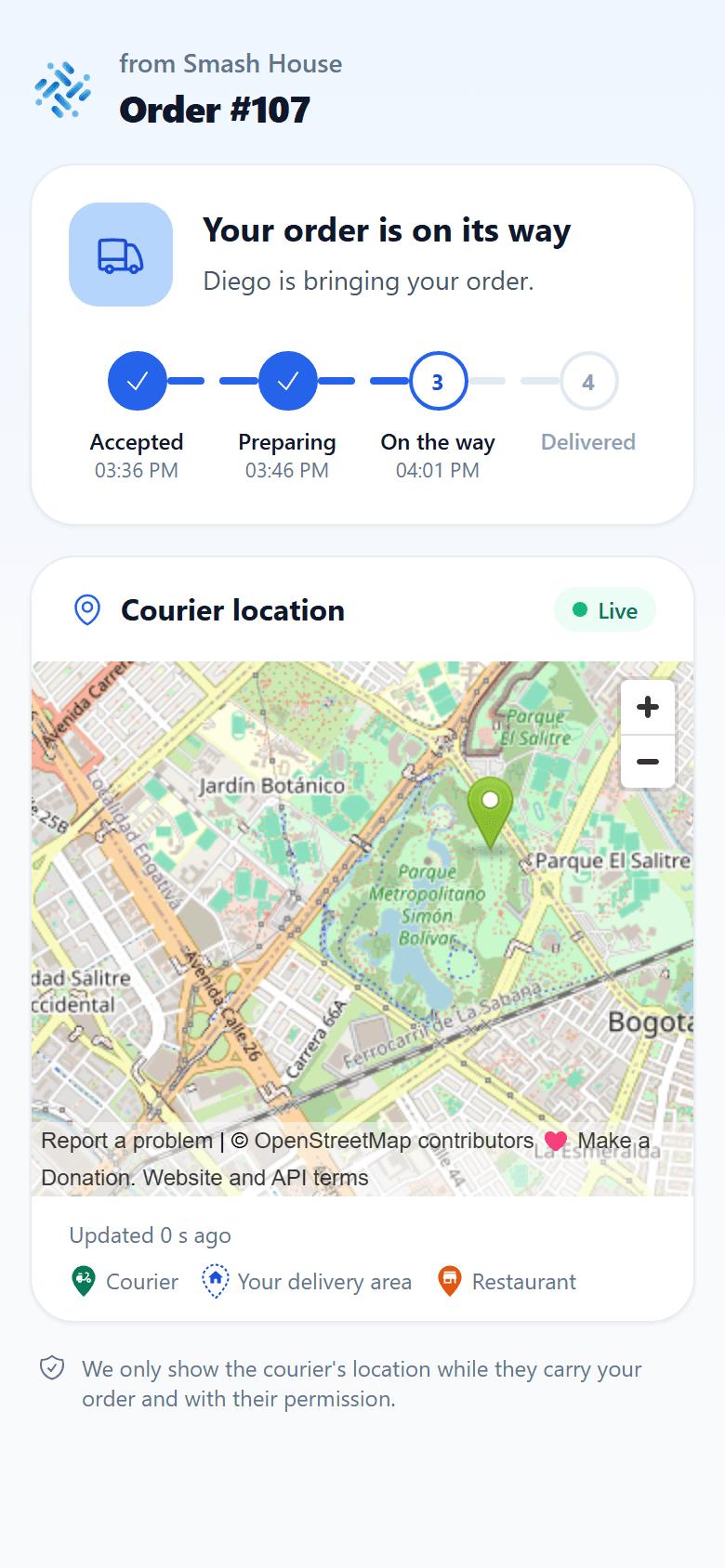
Customer tracking
A tracking link lets a customer check a delivery without signing in to the app. It is generated for the dispatched order and contains a private code.
Share the link
Customers can find Track my order in the store's My account area and the Order shipped email once the order has a tracking link. If the store has the On the way WhatsApp update enabled and the customer agreed to updates, it also arrives in the Seguir mi pedido button of the message.
What it shows
Tracking displays the store, order number and Accepted → Preparing → On the way → Delivered steps. During delivery it may show the courier's name and approximate location. Without a shared location, it explains that the position will appear when available.
The page does not expose the customer's phone number or personal address. Displayed coordinates are rounded; the marker should not be treated as an exact position. Live location is removed after delivery.
Unavailable link
Check that the entire link was copied. An invalid code or unavailable link cannot retrieve the order. Customers should contact the store and avoid posting the link publicly or forwarding it to third parties.