Products
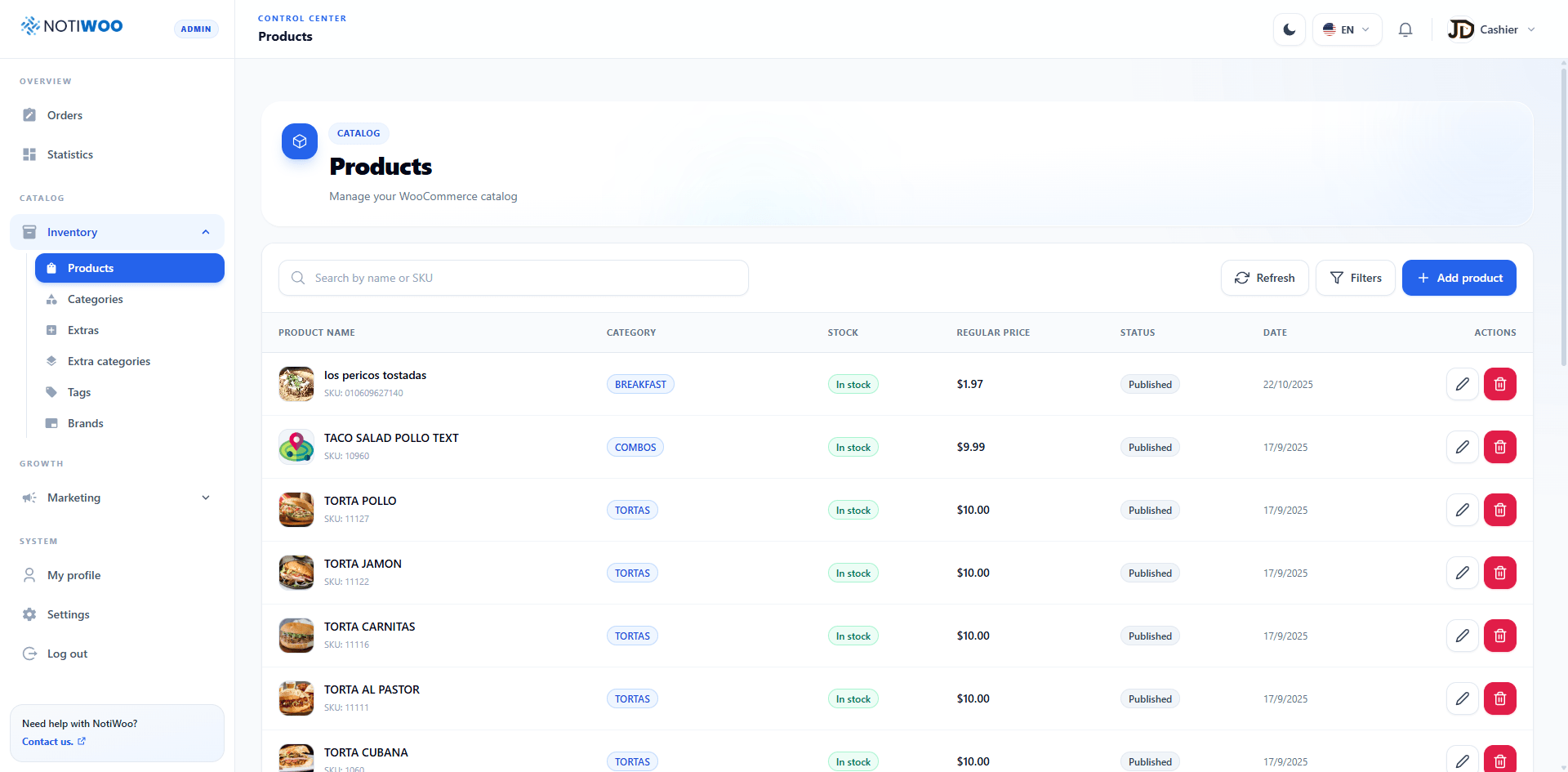
Open Catalog → Inventory → Products. The page uses the same toolbar, table, dialogs, and pagination as the rest of the admin.
Table
Rows include image or placeholder, name and SKU, category, stock availability, regular price, publication status, date, and edit/delete actions.
Search and filters
Search by name or SKU. Filters narrows the list without changing WooCommerce; Refresh fetches the catalog again. Pagination keeps large catalogs manageable.
Create or edit
Select Add product or the pencil action, complete required fields, review category, price, inventory, and status, then save.
Images and extras
When WooCommerce does not provide a valid image, NOTIWOO uses a consistent placeholder. Associated extras can be reordered in the product form.
Delete
The red action opens a confirmation. Deletion affects WooCommerce and cannot be undone from NOTIWOO.